

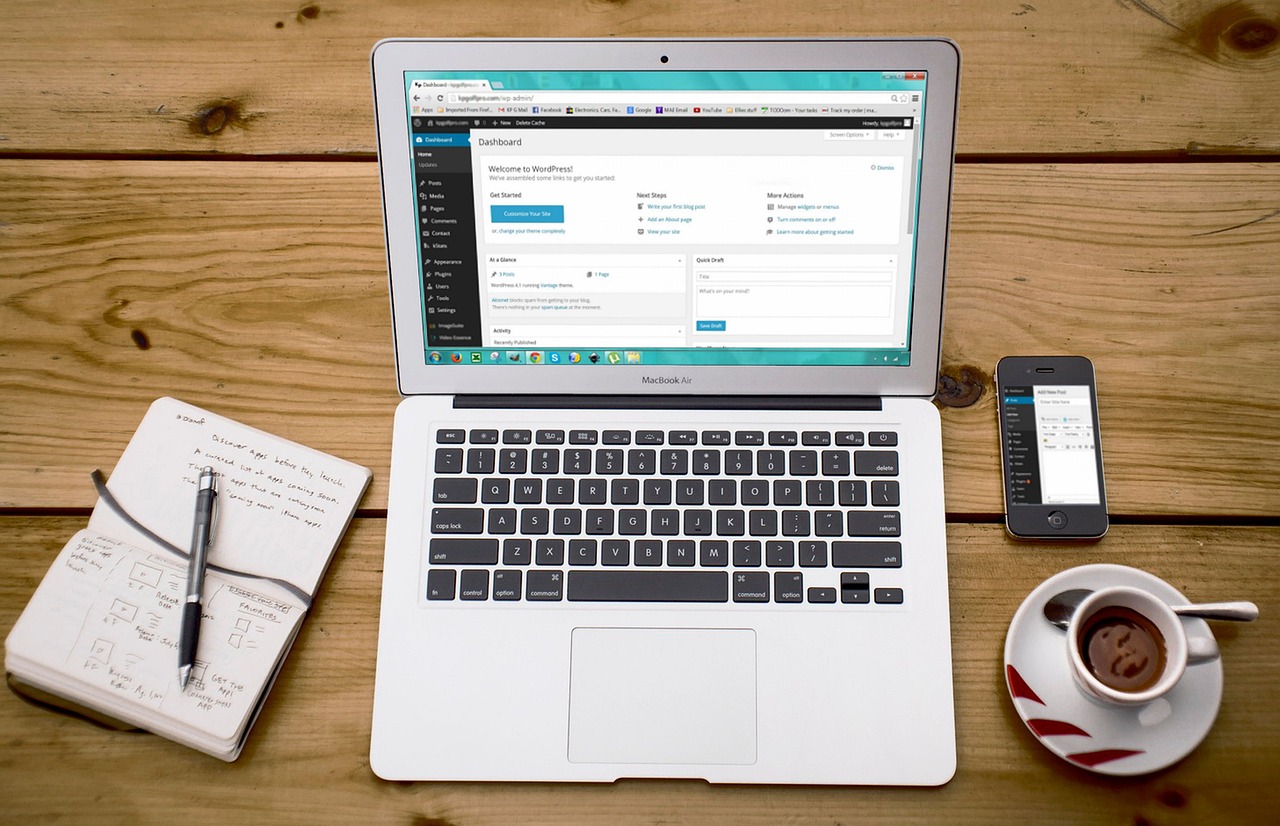
WordPress 6.x Editor Review (2025)
In this WordPress 6.x editor review, I share my first-hand experience after switching to the latest WordPress editor in 2025.
With significant changes rolling out in WordPress 6.x — including interface improvements, block editor enhancements, and workflow updates — it’s worth asking:
✅ Is the new editor better than what came before?
✅ How does it affect everyday content creation?
✅ Are there any major strengths or weaknesses?
In this article, we break down the real user experience, performance insights, and honest pros and cons of using the new WordPress 6.x editor.
🧱 What’s New in WordPress 6.x Editor (2025)?
The WordPress 6.x editor introduces updates designed to streamline content creation and reduce friction for creators:
-
✅ Enhanced block editing controls
-
✅ Improved mobile editing experience
-
✅ Better design tools
-
✅ Faster toolbar and navigation
-
✅ More intuitive UI elements
✅ Key Improvements We Noticed
Here’s what stands out the most in this WordPress 6.x editor review:
🧠 Smoother Block Manipulation
Blocks now respond faster, with clearer drag-and-drop and layout tools — reducing the friction of building pages.
✏️ Improved Inline Editing
Typing, editing, and formatting feels more natural and responsive than previous versions.
📱 Better Mobile Experience
The editor adapts more cleanly to tablets and phones, a big win for creators on the go.
⚠️ What Still Needs Work
Despite improvements, the new editor isn’t perfect. In this 6.x review, here are some limitations:
❌ Toolbars can still feel cluttered on small screens
❌ Some advanced features require plugins
❌ Learning curve for users accustomed to classic editing
🆚 WordPress 6.x Editor vs Classic Editor
Here’s how the new editor stacks up against the classic interface:
| Feature | Classic Editor | WordPress 6.x Editor |
|---|---|---|
| Block editing | ❌ | ✅ |
| Mobile adaptability | ⚠️ | ✅ |
| UI responsiveness | ⚠️ | ✅ |
| Advanced layout | ❌ | ✅ |
| Plugin dependency | ✅ | ⚠️ |
✅ Why This Matters in 2025
Choosing the right content editor affects:
✅ How fast you create posts and pages
✅ Your comfort with layout tools
✅ Efficiency in edits, updates, and revisions
✅ Compatibility with AI tools like AI Engine or Bertha AI
Good editing tools lead to faster work and better results.
🔗More Topics
✅ Best AI WordPress Tools You NEED in 2025
✅ AI WordPress Plugins Review & Tutorial
✅ Top Premium WordPress Themes Worth Buying (2025)
❓ FAQ — WordPress 6.x Editor Review
Is the WordPress 6.x editor easy for beginners?
Yes — most beginners find the block editor intuitive, especially with starter templates.
Does it work well with page builders?
It pairs well with Gutenberg-focused builders; classic page builders may still need custom workflows.
Can I switch back to the Classic Editor?
Yes — the Classic Editor plugin remains available for users who prefer the old setup.
💡 Tips for Better Editing in WordPress 6.x
✅ Use block patterns for repeating design elements
✅ Install AI content tools like AI Engine to speed writing
✅ Combine with page builder blocks for versatile layouts
✅ Keep plugins minimal to boost editor performance
🚀 Final Thoughts — WordPress 6.x Editor Review (2025)
Our WordPress 6.x editor review shows that the latest editor is a solid improvement over previous versions, especially for block-based workflows and responsive editing.
While it’s not perfect, the new interface and tools make daily content creation smoother and more efficient — especially when paired with smart plugins and frameworks.
If you’re still using an older editor, switching to 6.x in 2025 is worth exploring — especially if your goal is better UX and faster editing.
👉 Don’t forget to subscribe to The Template Judge on YouTube for more honest WordPress reviews, comparisons, and tutorials!