

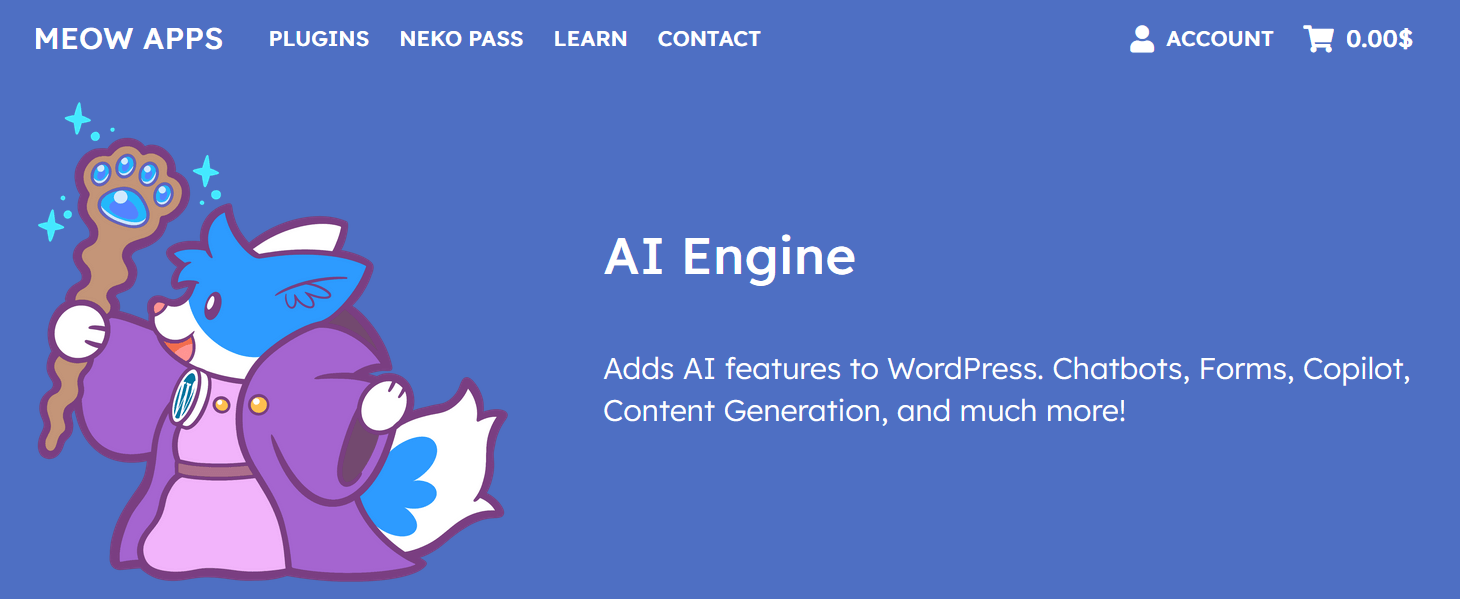
Artificial Intelligence is transforming the way we use WordPress — and plugins like AI Engine are leading the charge.
In this post, we break down everything you need to know about AI Engine, a powerful WordPress AI plugin that can turn your website into a smart, AI-powered platform. We’ll cover what it does, how to install it, key features, pros and cons, and how to use it effectively — just like in our latest video.
🎥 Watch the full video tutorial below:
🚀 Key Features of AI Engine
Here are the main capabilities you’ll find in the plugin:
✅ Intelligent Chatbots
Build fully customizable AI chatbots that can answer user questions, guide visitors, and interact in real time.
✅ AI Content Generation
Use AI inside your WordPress editor to help write blog posts, page content, or suggestions — saving time and boosting productivity.
✅ AI Forms & Customized Tools
Add smart forms and other interactive elements to your site without complicated coding.
✅ Integration with Major AI Services
AI Engine supports connections with powerful AI platforms (like OpenAI) for advanced capabilities.
✅ Easy Installation
Install directly from your WordPress dashboard: Plugins → Add New → Search AI Engine → Install & Activate.
💡 Pros & Cons
✅ Pros
-
Versatile: chatbots, forms, content assistance, and more
-
Free version available
-
Built specifically for WordPress
-
Positive user reviews and high ratings (around 4.9/5 stars)
⚠️ Cons
-
Some advanced features may require configuration or paid plans
-
You need API access to the AI model you choose
🧠 How to Use AI Engine Effectively
Here are simple steps to get started:
-
Install the Plugin – Go to your WordPress dashboard and install AI Engine.
-
Configure API Keys – Add your preferred AI service API (like OpenAI).
-
Build a Chatbot or Generator – Use the built-in tools to create content or interactive elements.
-
Customize & Publish – Add shortcodes or blocks to your pages to embed AI features.
✅ Who Is This Plugin For?
This plugin is ideal for:
-
Bloggers and content creators who want AI assistance
-
Website owners who want interactive chat features
-
Developers adding smart tools to client sites
-
Anyone curious about adding AI to WordPress
📌 Final Thoughts
AI Engine shows how WordPress can go beyond static sites and become interactive, intelligent, and smarter with AI features — all from your familiar WordPress dashboard. Whether you want an AI chatbot, content assistant, or custom AI tools, this plugin provides a versatile foundation.
👉 Don’t forget to subscribe to The Template Judge on YouTube for more tutorials and honest tool reviews!
📦 Useful Links
-
🔗 AI Engine plugin (WordPress directory): https://wordpress.org/plugins/ai-engine/
-
📺 Original video on YouTube: https://www.youtube.com/watch?v=TVPSnwYK7Go
🔗 More Topics
👉 Free themes post: Top 10 Free WordPress Themes for 2025
👉 Hosting post: Top Cheap WordPress Hosting in the UK
👉 AI plugin post: AI Engine WordPress Plugin Review