

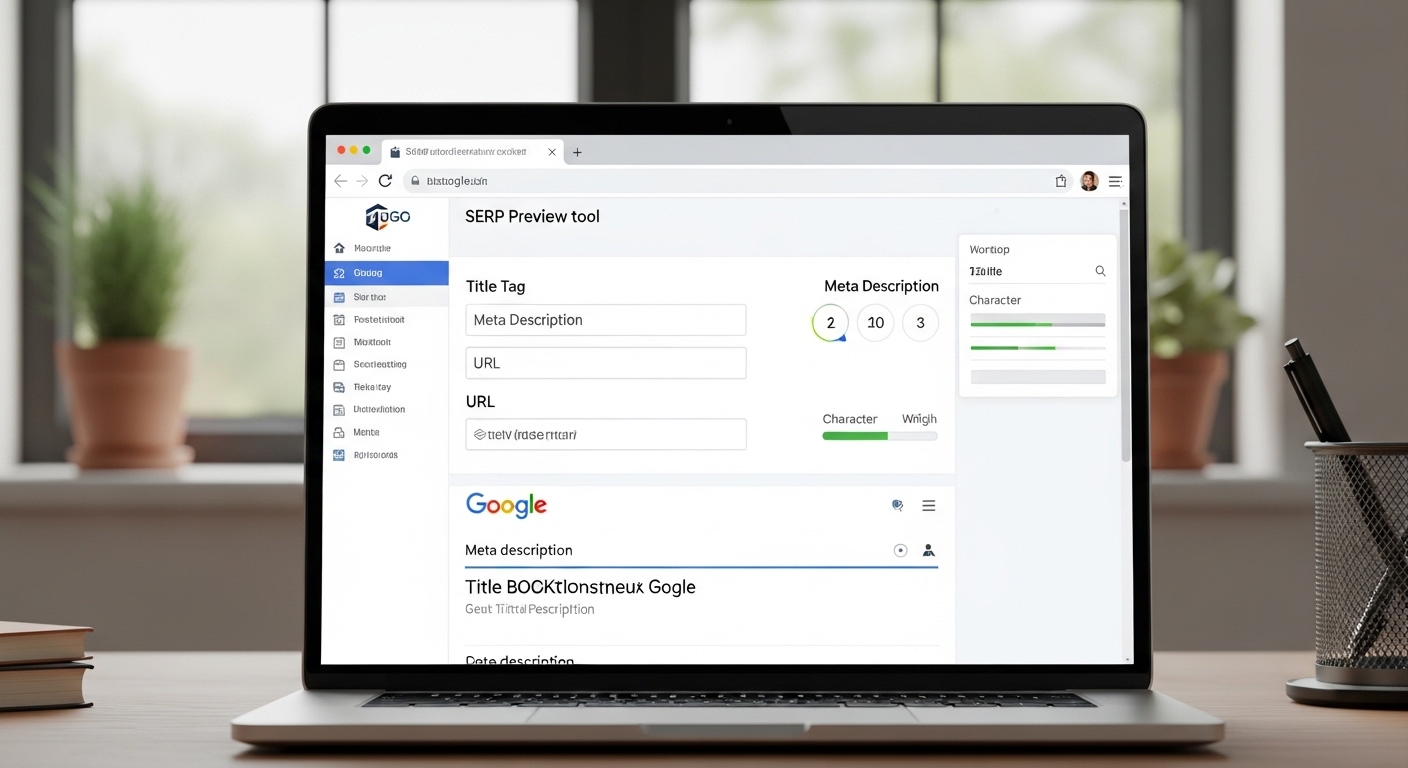
A SERP preview tool helps you see how your page will appear in Google search results before publishing. This allows you to optimize titles, descriptions, and URLs for higher click-through rates.
SERP previews simulate how search engines display your content, including the title tag, URL, and meta description. This visualization helps avoid truncation and improve search visibility.
SERP Preview Tool
Preview how your title and meta description appear in Google search results.
Google Search Preview
What Is a SERP Preview Tool?
A SERP preview tool shows how your webpage listing will appear in Google search results. It allows you to test your title tag, meta description, and URL before publishing.
Because search engines limit the space for snippets, optimizing these elements improves click-through rate and search performance.
Why Use a SERP Preview Tool for SEO?
Using a SERP preview tool helps you:
- Improve click-through rate
- Prevent title truncation
- Optimize meta descriptions
- Test keyword placement
- Preview desktop and mobile snippets
Previewing snippets ensures your metadata communicates value clearly and encourages clicks.
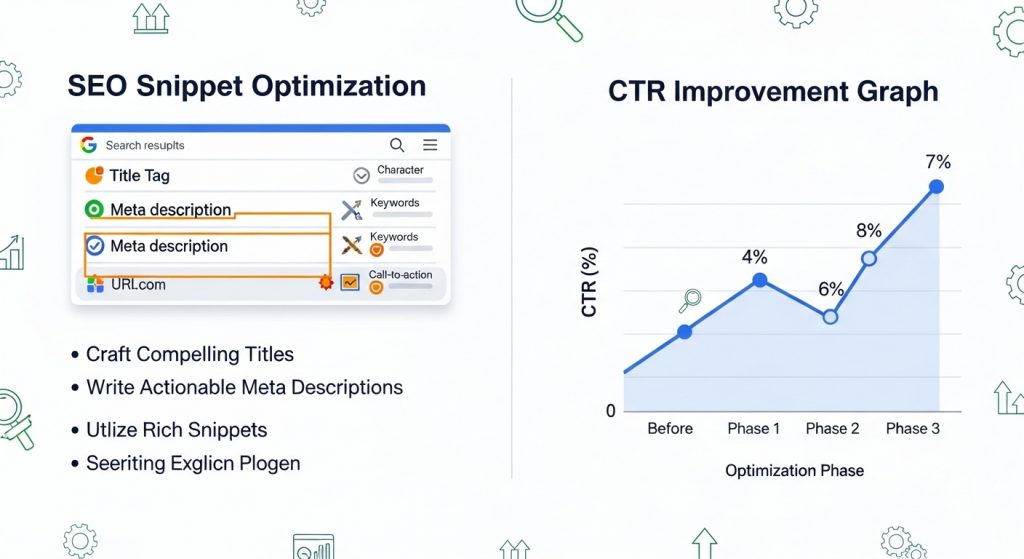
How to Use This SERP Preview Tool
Follow these simple steps:
- Enter your page title
- Add meta description
- Input URL slug
- Preview Google snippet
- Adjust until optimized
Most tools update previews in real time so you can refine your metadata instantly.
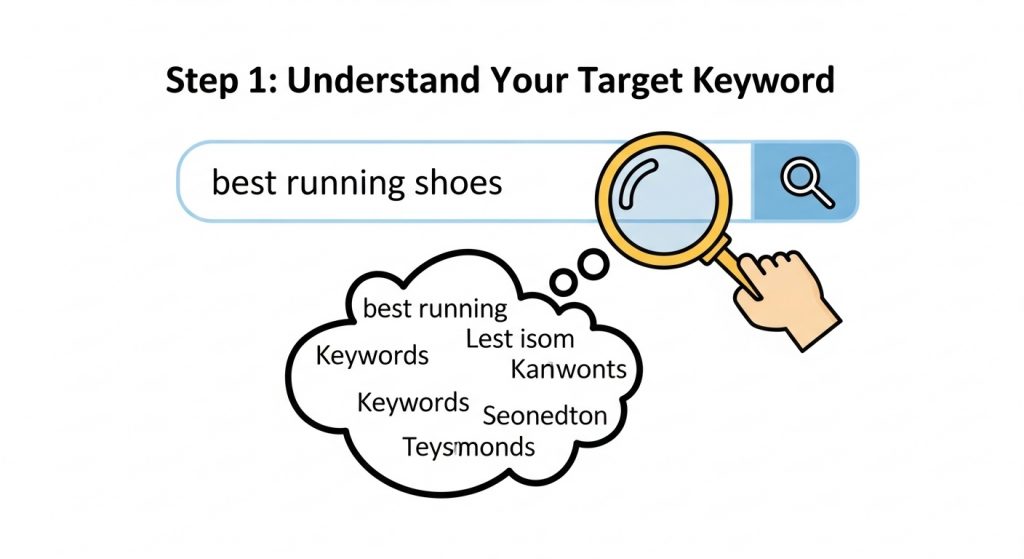
Best Practices for SERP Optimization
To maximize SEO performance:
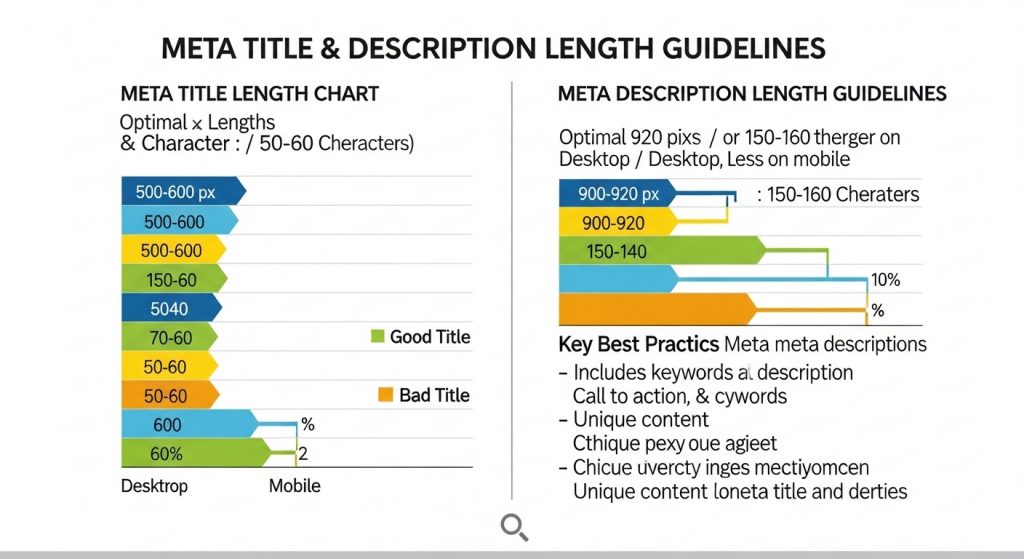
- Keep titles between 50-60 characters
- Keep descriptions around 150-160 characters
- Include primary keyword
- Write compelling copy
- Use readable URLs
These practices help avoid snippet truncation and improve visibility.
Why SERP Snippet Optimization Matters
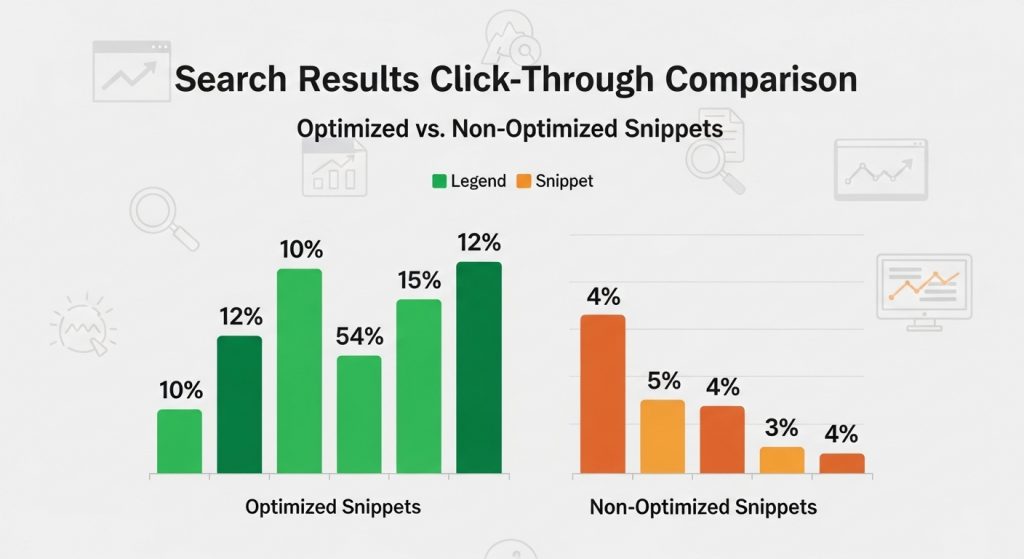
Your search snippet is often the first impression users see. A compelling title and description increase clicks and organic traffic.
SERP previews allow testing multiple variations and choosing the best performing snippet.
FAQ
What is a SERP preview tool?
A SERP preview tool shows how your page’s title, URL, and description will appear in Google search results.
Does SERP preview improve SEO?
Yes. Optimized snippets increase click-through rates, which can improve overall search performance.
🔗 Related Articles from The Template Judge
Here are some helpful guides and popular posts from The Template Judge that go well with this topic and boost your internal linking (good for SEO and user engagement):
Nobody Shows This Part of Dividend Investing
https://thetemplatejudge.com/nobody-shows-this-part-of-dividend-investing/
How to Get Google AdSense Approved in 2025 (WordPress Themes & Plugins That Work)
https://thetemplatejudge.com/how-to-get-google-adsense-approved-in-2025/
How Much Can You Make With AdSense on WordPress? (2026 Breakdown)
https://thetemplatejudge.com/how-much-can-you-make-with-adsense-on-wordpress-2026-breakdown/
WordPress Tool Website Tutorial (Beginner Friendly)
https://thetemplatejudge.com/wordpress-tool-website-tutorial-beginner-friendly/
The BEST Website Design in WordPress (Real Examples)
https://thetemplatejudge.com/the-best-website-design-in-wordpress-real-examples/
Portfolio Website Design Ideas — Templates That Actually Convert
https://thetemplatejudge.com/portfolio-website-design-ideas-templates-that-actually-convert/
🌐 Helpful External Resources
- Investopedia — Delayed Gratification
https://www.investopedia.com/terms/d/delayed-gratification.asp - Behavioural Economics — Habits & Decision Making
https://www.behaviouraleconomics.com/resources/mini-encyclopedia/habits/ - MoneyHelper UK — Budgeting & Financial Discipline
https://www.moneyhelper.org.uk/
How to Use the SERP Preview Tool
- Enter your proposed page title, URL, and meta description.
- Review the live preview showing how the snippet will appear in Google.
- Adjust the text until nothing is truncated and the message is clear.
- Copy your final title and description into your page or SEO plugin.
How to Read the Preview
The preview simulates a Google search result using your title tag, URL, and meta description. If any part shows an ellipsis (…), it is being truncated and will be cut off in real results. The goal is a title and description that fit fully, read naturally, and give searchers a clear reason to click. Seeing the snippet before publishing helps you avoid awkward cut-offs that lower click-through rates.
Tips to Get the Most Out of This Tool
- Front-load the most important words in your title so they show even if it is shortened.
- Match the description to what the page actually delivers to reduce bounce rate.
- Include your target keyword so it appears bold when it matches a searcher’s query.
- Test both desktop and mobile widths, as truncation limits differ slightly.
Frequently Asked Questions
Why does my title get cut off in Google?
Google truncates titles that are too long (roughly 60 characters or a set pixel width). The preview tool helps you stay within the visible limit.
Does Google always use my meta description?
No. Google sometimes generates its own snippet from page content, but a well-written description is still used often and worth optimising.
What is the ideal description length?
Around 150–160 characters is a safe target to avoid truncation on most devices.