

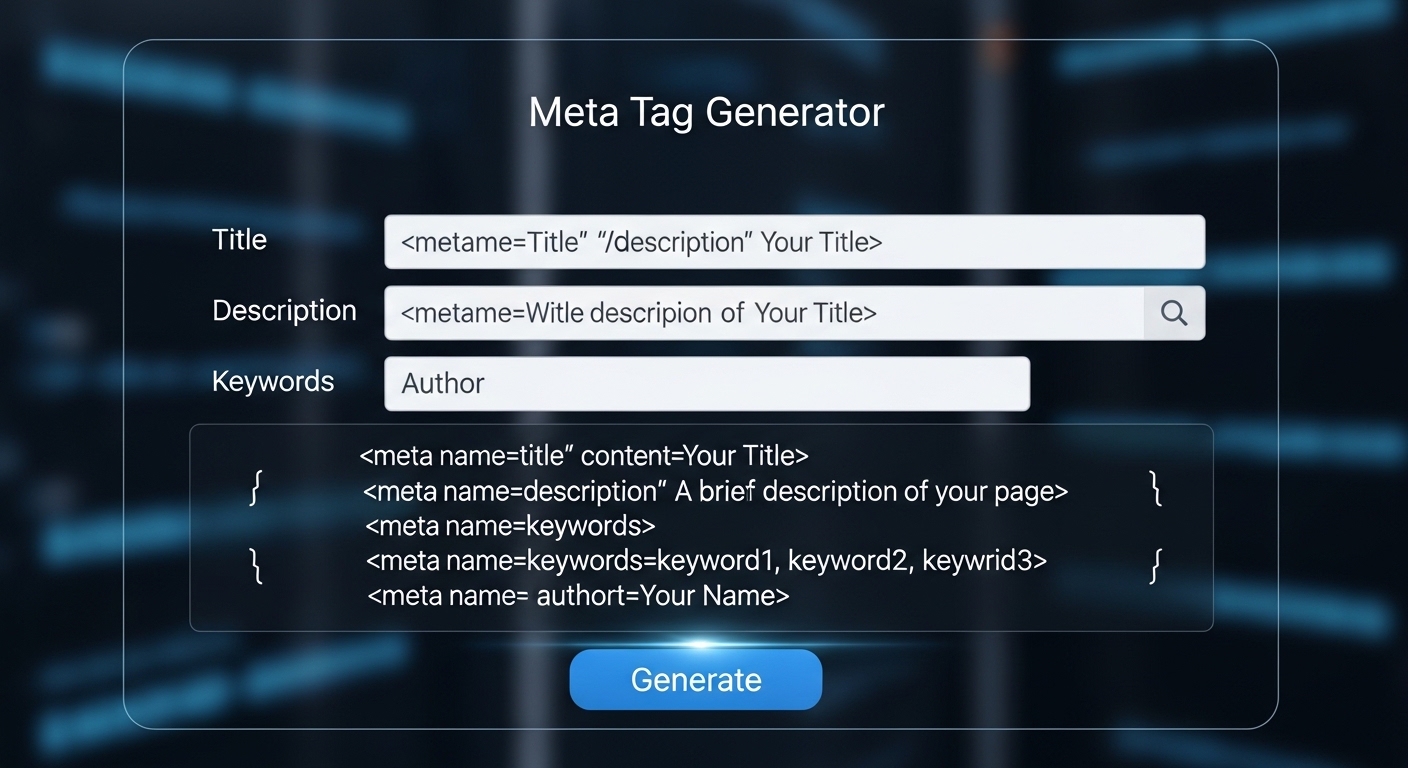
A meta tag generator helps you create optimized HTML metadata for your website. These tags include the title, description, and social preview tags that search engines use to understand your content.
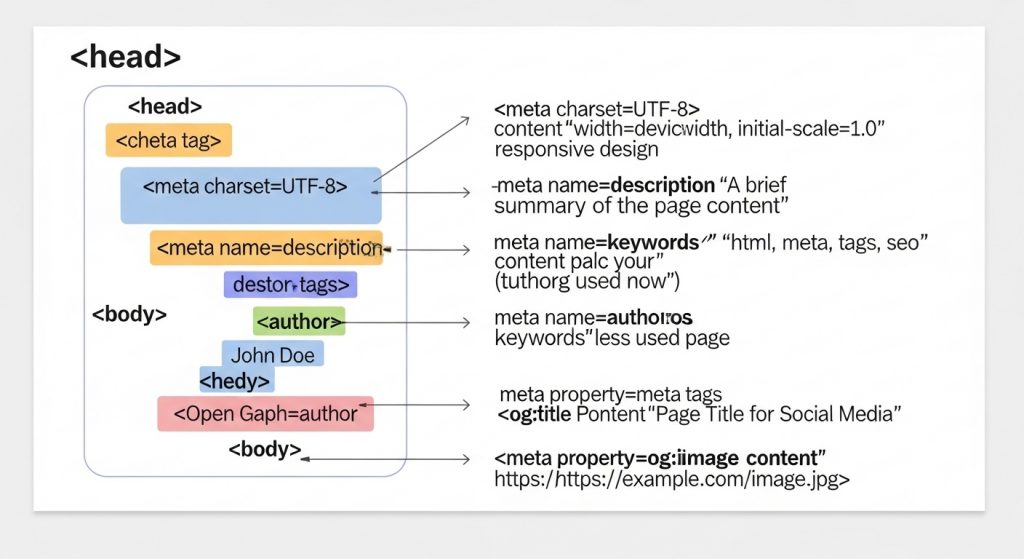
Meta tags are placed inside the <head> section of a webpage and influence how your page appears in search results. Properly optimized meta tags can improve visibility and click-through rates
Meta Tag Generator
Generate SEO meta tags, Open Graph tags, and Twitter cards for your website.
Generated Meta Tags
What Is a Meta Tag Generator
A meta tag generator is a tool that automatically creates HTML meta tags such as title tags, descriptions, and Open Graph tags. These tags help search engines understand page content and display optimized snippets.
Instead of writing HTML manually, you simply enter your page information and generate ready-to-copy code.
Why Meta Tags Matter for SEO
Meta tags are essential for SEO because they communicate information about your page to search engines. Additionally, they influence how users see your content in search results.
The title tag is one of the most important on-page SEO elements, while meta descriptions impact click-through rate from search results.
Benefits of optimized meta tags:
- Better search visibility
- Higher click-through rate
- Improved indexing
- Stronger keyword relevance
- Better social sharing previews

How to Use This Meta Tag Generator
Using this meta tag generator is simple:
- Enter page title
- Add meta description
- Include keywords
- Generate meta tags
- Copy HTML code
Most generators also provide Open Graph and Twitter Card tags for social media sharing.
Important Meta Tags for SEO
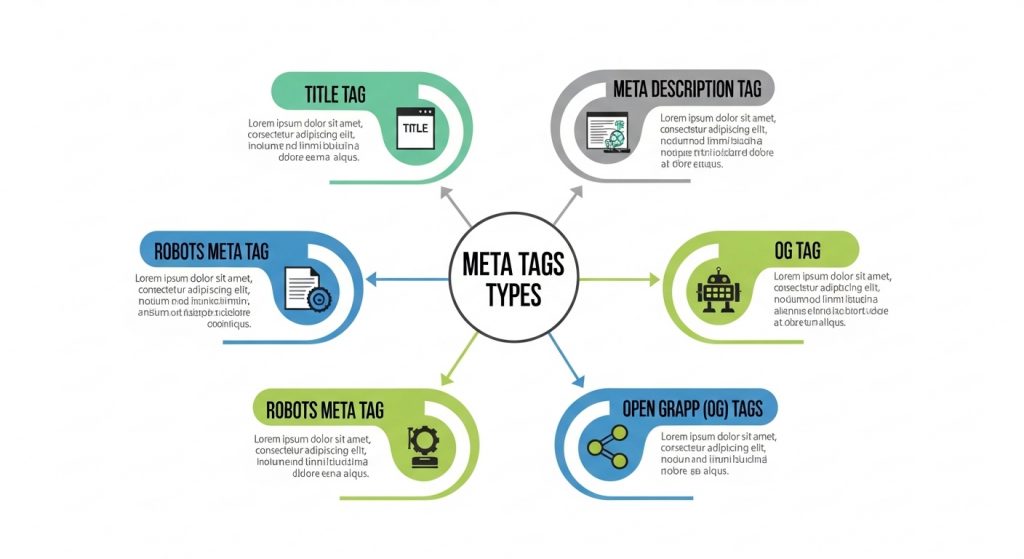
Several meta tags are essential for SEO performance:
Title Tag
The title tag appears as the clickable headline in search results and helps search engines determine relevance.
Meta Description
The meta description appears below the title and encourages users to click your result.
Robots Meta Tag
Controls whether search engines index the page.
Open Graph Tags
Improve social media sharing previews.
These tags together improve both search visibility and user engagement.
Best Practices for Meta Tag Optimization
To maximize SEO performance:
- Keep title between 50–60 characters
- Keep description around 150–160 characters
- Include primary keyword
- Write compelling copy
- Use unique tags for each page
These recommendations help avoid truncation and improve search snippet performance.
Why Use a Free Meta Tag Generator
A free meta tag generator saves time and ensures correct formatting. Additionally, it prevents common SEO mistakes such as missing tags or incorrect lengths.
Generators often include live preview and validation features to optimize metadata automatically.
FAQ
What is a meta tag generator?
A meta tag generator is a tool that creates HTML meta tags for SEO and social sharing automatically.
Do meta tags improve SEO?
Yes. Optimized meta tags improve search visibility and increase click-through rates.
More of our tools.
- SERP Preview Tool → https://thetemplatejudge.com/serp-preview-tool/
- SEO Audit Tool → https://thetemplatejudge.com/seo-audit-tool/
- Keyword Tool → https://thetemplatejudge.com/free-keyword-tool/
- Sitemap Generator → https://thetemplatejudge.com/sitemap-generator-tool/
How to Use the Meta Tag Generator
- Enter your page title, description, and any relevant keywords.
- Add social preview details such as the image and site name if prompted.
- Generate the meta tags and review the output.
- Copy the generated code into the head section of your page, or paste it into your SEO plugin.
How to Read and Use the Output
The generator produces HTML meta tags — most importantly the title tag and meta description, plus Open Graph and Twitter tags for social sharing. The title tag is what shows as the clickable headline in search results, while the meta description is the summary beneath it. Well-written tags improve how your page looks in search and on social media, which can lift your click-through rate.
Tips to Get the Most Out of This Tool
- Keep title tags under about 60 characters so they are not cut off in search results.
- Keep meta descriptions around 150–160 characters and make them compelling, not just descriptive.
- Include your main keyword naturally in both the title and description.
- Write a unique title and description for every page — never reuse the same ones site-wide.
Frequently Asked Questions
Do meta descriptions affect rankings?
Not directly, but a strong description improves click-through rate, which supports your overall performance in search.
Where do I put the generated tags?
Inside the head section of your page’s HTML, or into the SEO fields of a plugin like Rank Math or Yoast if you use WordPress.
What are Open Graph tags?
They control how your page appears when shared on social platforms like Facebook and LinkedIn, including the preview title, description, and image.