

Using website templates can save time and money. However, many people choose templates that look good but perform poorly. As a result, these common template design mistakes can hurt SEO, user experience, and conversions.
Therefore, understanding what to avoid helps you choose better templates and optimize your site for long-term growth.
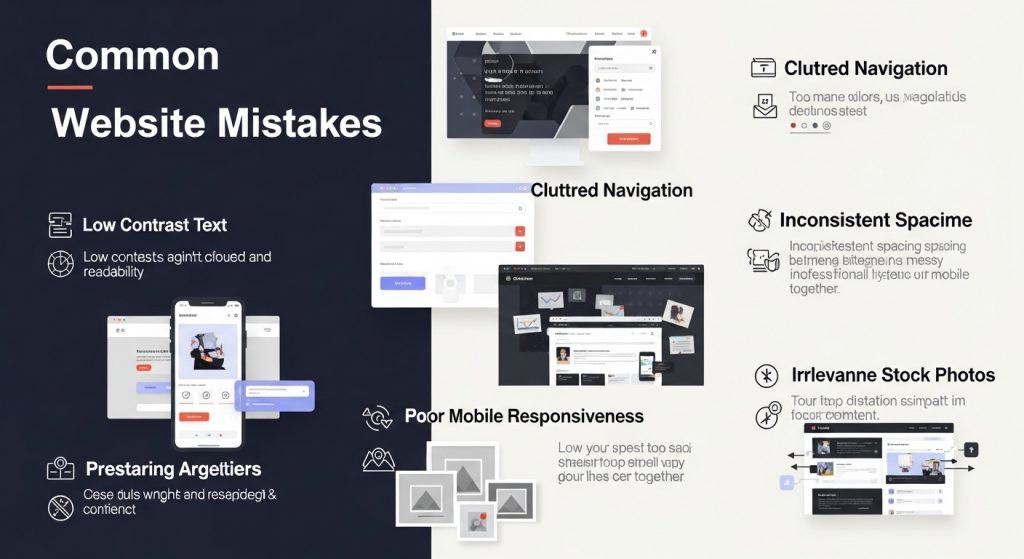
Mistake #1: Cluttered Layouts
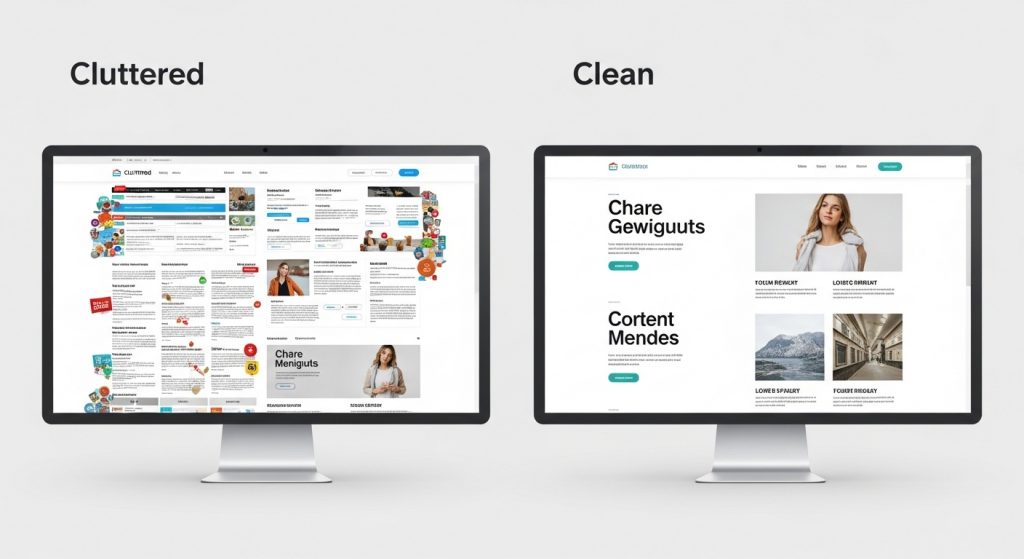
One of the most common template design mistakes is choosing a cluttered layout. Templates filled with too many elements confuse users and reduce engagement. Moreover, cluttered designs make it difficult for visitors to find important information.
Common clutter issues include:
- Too many sections on the homepage
- Multiple competing call-to-action buttons
- Overuse of animations
- Excessive colors and fonts
Instead, choose templates with clean spacing, clear hierarchy, and focused content. Minimal designs often convert better and improve readability.
Mistake #2: Poor Typography
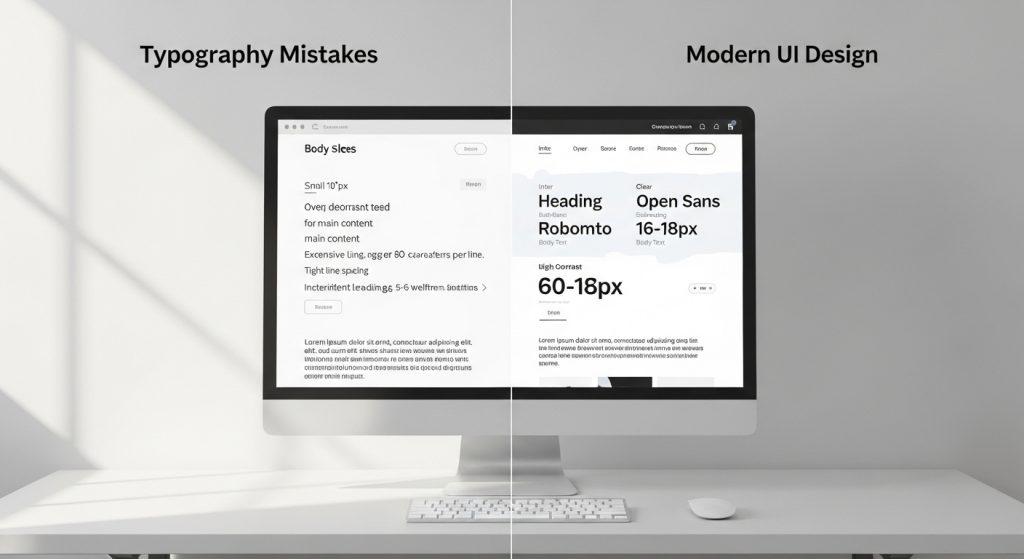
Typography plays a crucial role in template usability. However, many templates use hard-to-read fonts, poor spacing, or inconsistent styles. Consequently, this negatively impacts both user experience and SEO.
Typography mistakes to avoid:
- Small font sizes
- Low contrast text
- Too many font families
- Poor line spacing
Instead, use templates with readable fonts, proper hierarchy, and strong contrast. This improves accessibility and keeps users engaged longer.
Mistake #3: Slow Loading Templates
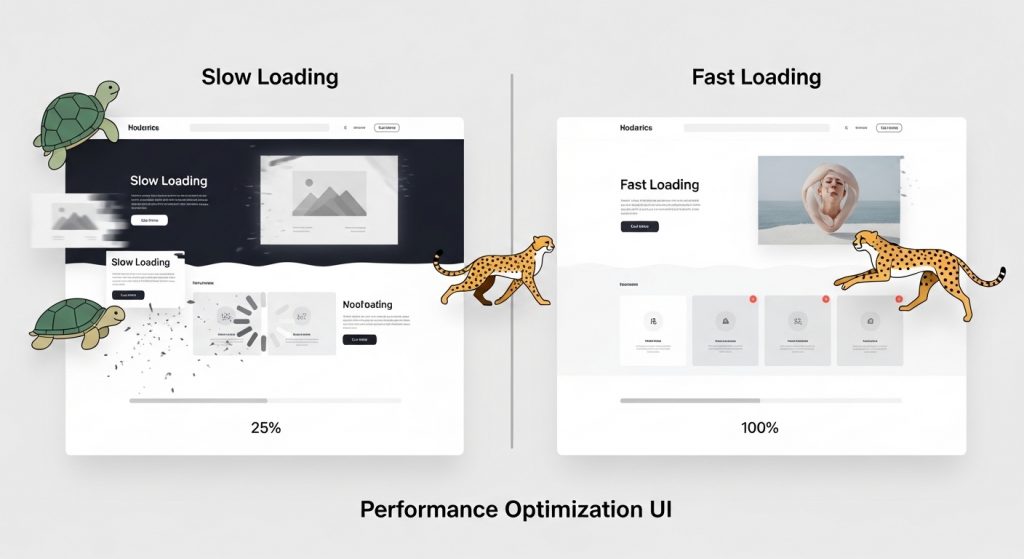
Speed is a major ranking factor. Unfortunately, some templates include heavy animations, large images, and bloated code. As a result, slow loading templates hurt SEO and increase bounce rates.
Common speed issues:
- Large uncompressed images
- Excessive JavaScript
- Too many plugins or integrations
- Heavy background videos
Choose lightweight templates optimized for performance. Additionally, compress images and remove unnecessary scripts to improve loading speed.
Mistake #4: Lack of Mobile Optimization
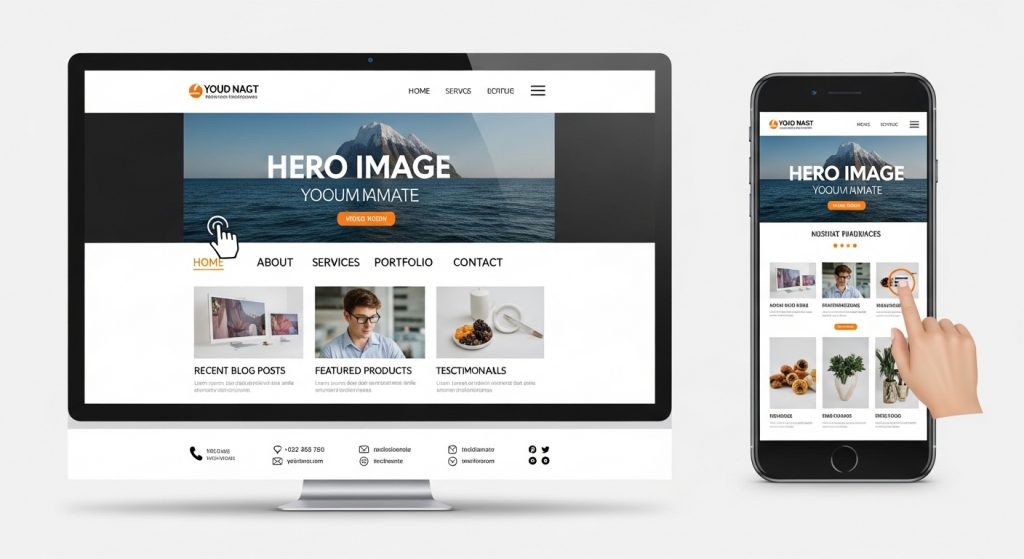
Mobile responsiveness is essential because most users browse on mobile devices. However, some templates are not fully optimized for smaller screens. Consequently, this leads to poor usability and lower search rankings.
Mobile optimization mistakes include:
- Text too small on mobile
- Buttons too close together
- Broken layouts
- Horizontal scrolling
Always test templates on multiple devices. Responsive templates improve both SEO and user experience.
How to Fix Common Template Design Mistakes
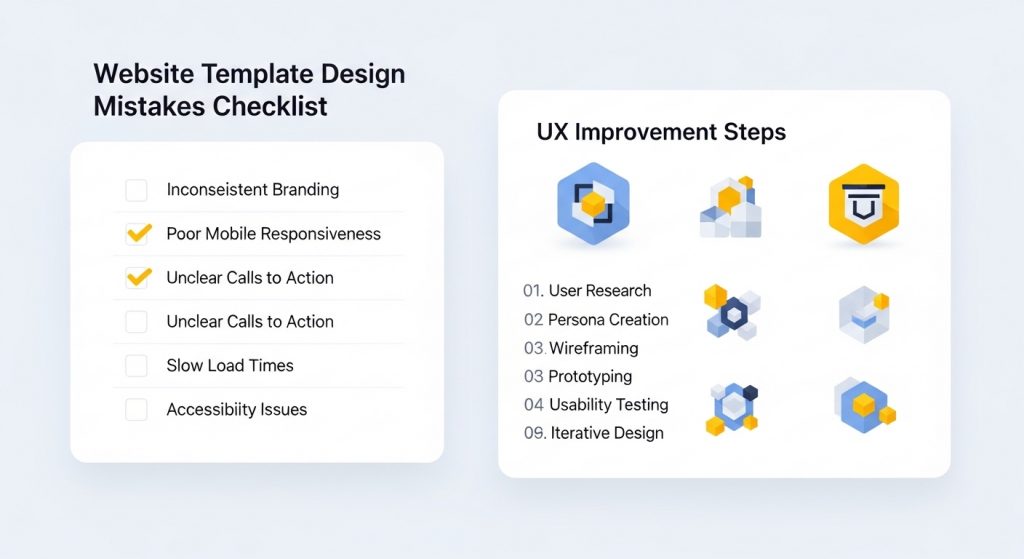
Fortunately, most template UX mistakes can be fixed with a few adjustments. By optimizing your template, you can improve performance without changing the entire design.
Steps to fix template issues:
- Simplify layout and remove unnecessary sections
- Use consistent typography and spacing
- Optimize images and scripts for faster loading
- Test mobile responsiveness across devices
- Improve navigation and internal linking
Moreover, regularly updating your template ensures better compatibility with SEO best practices.
FAQ: Template Design Mistakes
What are the most common template mistakes?
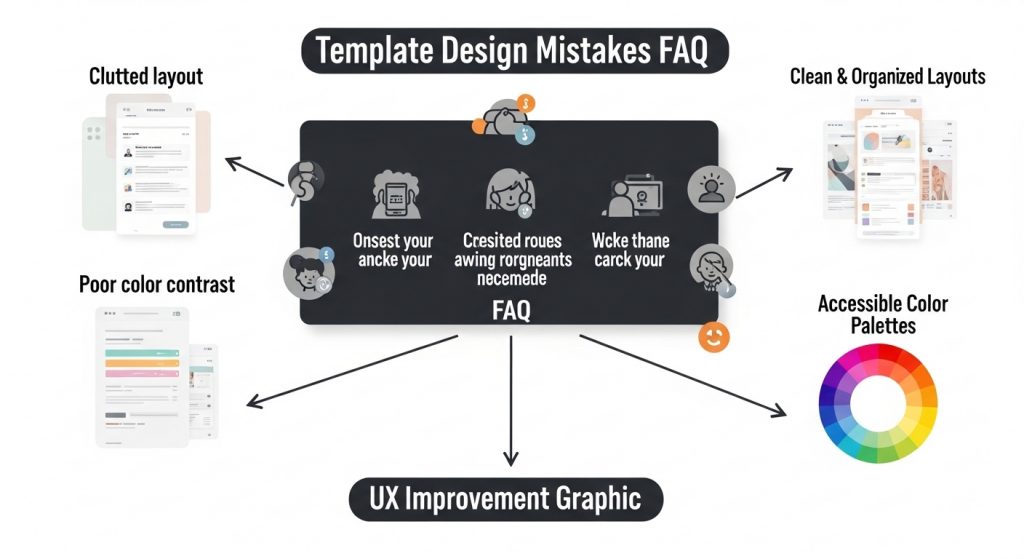
The most common template mistakes include cluttered layouts, poor typography, slow loading speeds, and lack of mobile responsiveness. These issues reduce usability and hurt search rankings.
How can I fix template UX issues?
You can fix template UX issues by simplifying layouts, improving typography, optimizing images, and ensuring mobile responsiveness. Regular testing also helps identify design problems early.
🔗 Related Articles from The Template Judge
Here are some helpful guides and popular posts from The Template Judge that go well with this topic and boost your internal linking (good for SEO and user engagement):
Nobody Shows This Part of Dividend Investing
https://thetemplatejudge.com/nobody-shows-this-part-of-dividend-investing/
How to Get Google AdSense Approved in 2025 (WordPress Themes & Plugins That Work)
https://thetemplatejudge.com/how-to-get-google-adsense-approved-in-2025/
How Much Can You Make With AdSense on WordPress? (2026 Breakdown)
https://thetemplatejudge.com/how-much-can-you-make-with-adsense-on-wordpress-2026-breakdown/
WordPress Tool Website Tutorial (Beginner Friendly)
https://thetemplatejudge.com/wordpress-tool-website-tutorial-beginner-friendly/
The BEST Website Design in WordPress (Real Examples)
https://thetemplatejudge.com/the-best-website-design-in-wordpress-real-examples/
Portfolio Website Design Ideas — Templates That Actually Convert
https://thetemplatejudge.com/portfolio-website-design-ideas-templates-that-actually-convert/
🌐 Helpful External Resources
- Investopedia — Delayed Gratification
https://www.investopedia.com/terms/d/delayed-gratification.asp - Behavioural Economics — Habits & Decision Making
https://www.behaviouraleconomics.com/resources/mini-encyclopedia/habits/ - MoneyHelper UK — Budgeting & Financial Discipline
https://www.moneyhelper.org.uk/