


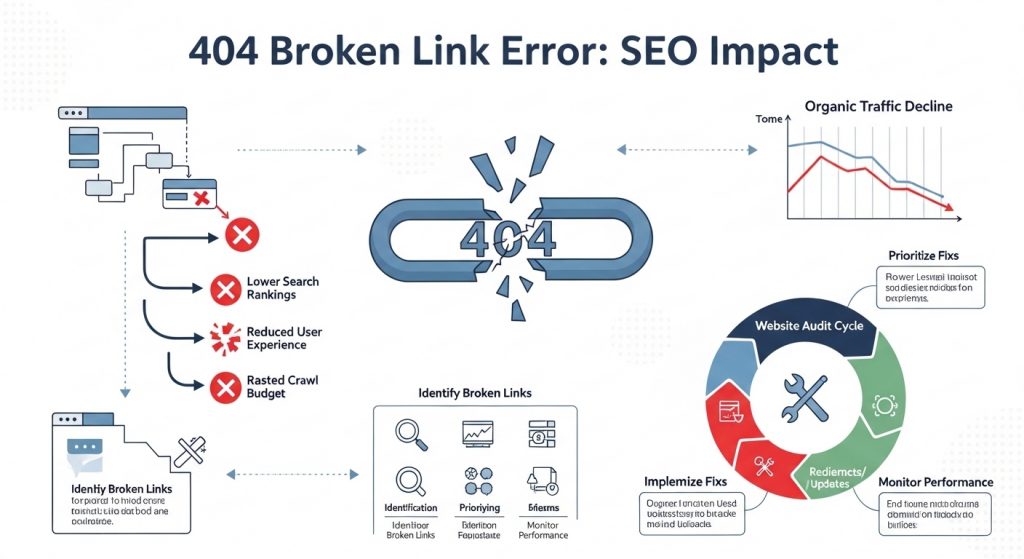
A broken link checker helps you identify dead links, 404 errors, and incorrect redirects that can harm your SEO and user experience. Fixing broken links improves crawlability, increases rankings, and keeps visitors engaged.
Search engines may waste crawl budget on non-existent pages, and users hitting broken links often leave the site. Regularly checking links helps maintain site health and improves SEO performance.
Broken Link Checker
Scan a webpage and find broken links quickly.
Why Broken Links Hurt SEO
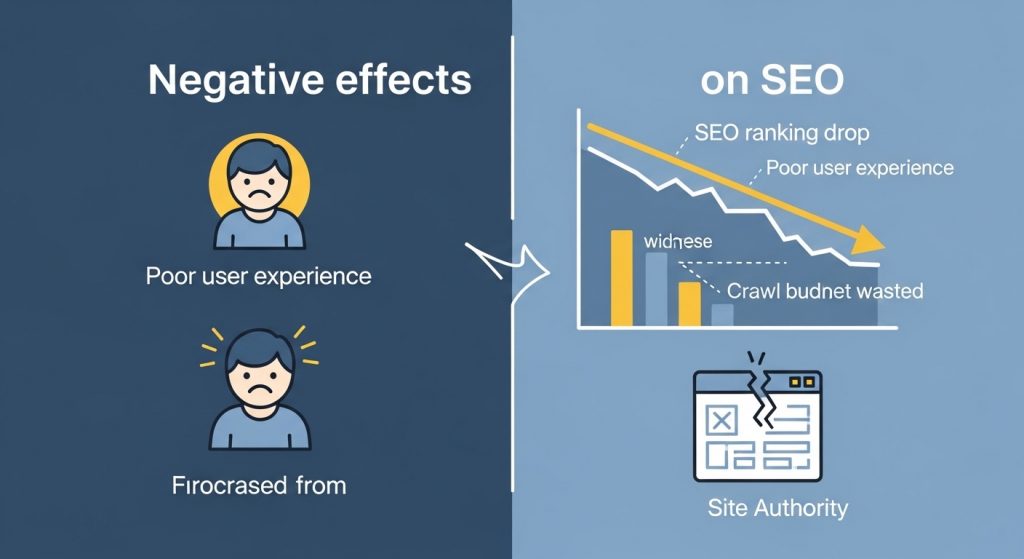
Broken links negatively affect both users and search engines. When visitors click a link and land on a missing page, they may leave your site immediately.
Search engines also interpret broken links as poor site maintenance, which can impact rankings. Additionally, crawl budget is wasted on dead pages instead of valuable content.
What This Broken Link Checker Does
This tool allows you to:
- Scan internal and external links
- Detect 404 and 500 errors
- Identify redirect chains
- Find outdated outbound links
- Improve crawlability and indexing
Broken link checkers typically analyze all links on a page and return status codes showing whether each link is working or broken.
How to Use the Broken Link Checker
- Enter your website URL
- Click the check button
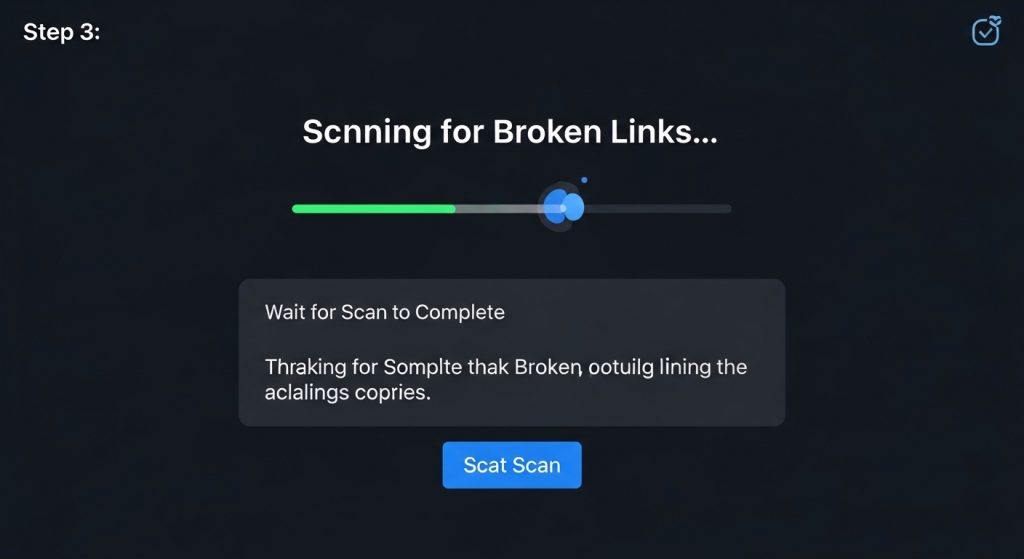
- Wait for the scan to complete
- Review broken links found
- Fix or redirect dead URLs
Most broken link tools scan pages automatically and provide a list of invalid links along with their locations in your HTML.
Types of Broken Links You Can Find
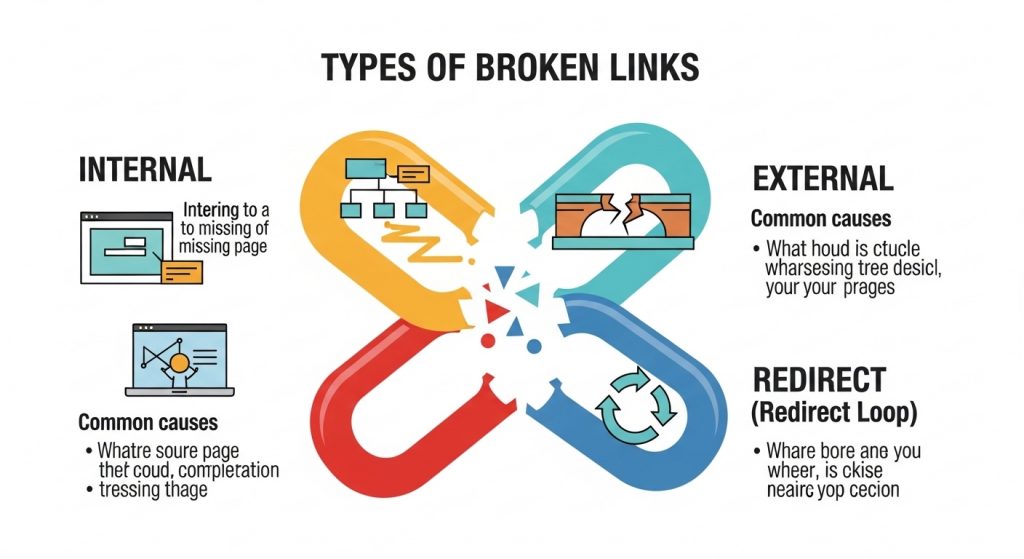
Internal Broken Links
Links pointing to missing pages on your site
External Broken Links
Outbound links to deleted or moved websites
Redirect Chains
Multiple redirects slowing page load
Incorrect URLs
Typos or outdated links
Broken links often occur when pages are deleted, moved, or incorrectly linked.
Why You Should Check Broken Links Regularly
- Improve SEO rankings
- Boost user experience
- Increase crawl efficiency
- Prevent link equity loss
- Maintain site credibility
Dead links can prevent search engines from indexing content and negatively impact user experience.
FAQ – Broken Link Checker
What is a broken link checker?
A broken link checker scans your website and identifies links that return errors or lead to missing pages.
Do broken links affect SEO?
Yes, broken links harm user experience and can reduce search engine rankings.
How often should I check broken links?
For active sites, run checks weekly or monthly.
More Tools From Us
SEO Audit Tool
https://thetemplatejudge.com/seo-audit-tool/
Internal Link Checker
https://thetemplatejudge.com/internal-link-checker/
Sitemap Generator
https://thetemplatejudge.com/sitemap-generator-tool/
Free Keyword Tool
https://thetemplatejudge.com/free-keyword-tool/
🌐 External Resources
Ahrefs Broken Link Checker
https://ahrefs.com/broken-link-checker
BrokenLinkCheck Tool
https://www.brokenlinkcheck.com/
Dead Link Checker
https://www.deadlinkchecker.com/
How to Use the Broken Link Checker
- Enter the URL of the page or site you want to scan.
- Run the check and wait for the tool to crawl the links.
- Review the list of broken links, 404 errors, and bad redirects.
- Fix or remove each broken link, or update it to point to a working page.
How to Read the Results
Broken links usually show up as 404 (page not found) or other error codes. Each broken link is a small dead end that frustrates visitors and wastes the crawl budget search engines allocate to your site. Internal broken links are the highest priority to fix, followed by broken outbound links to other websites that may have moved or shut down.
Tips to Get the Most Out of This Tool
- Check for broken links regularly — links break over time as other sites change or remove pages.
- Set up redirects for any old URLs you have changed so existing links keep working.
- Replace broken outbound links with a current, relevant source rather than simply deleting them.
- Fix internal broken links first, as they directly affect how your own site is crawled.
Frequently Asked Questions
Do broken links hurt SEO?
Indirectly, yes. They harm user experience and waste crawl budget, both of which can weaken your overall SEO performance over time.
How often should I check for broken links?
A monthly check is reasonable for most sites; larger or fast-changing sites may benefit from checking more often.
What should I do with a broken outbound link?
Update it to a working, relevant source if one exists, or remove the link if the resource is gone for good.