


An internal link checker helps you analyze how pages on your website connect to each other. Internal linking is essential for SEO because it helps search engines discover pages and understand your site structure.
A strong internal linking structure improves crawlability, distributes ranking authority, and enhances user navigation across your website.
Internal Link Checker
Discover internal linking opportunities and anchor text suggestions.
What Is an Internal Link Checker
An internal link checker is a tool that scans your webpage and identifies links pointing to other pages within the same domain. These insights help you optimize your linking structure and improve SEO performance.
Internal links also distribute authority across your site, helping linked pages perform better in search results.
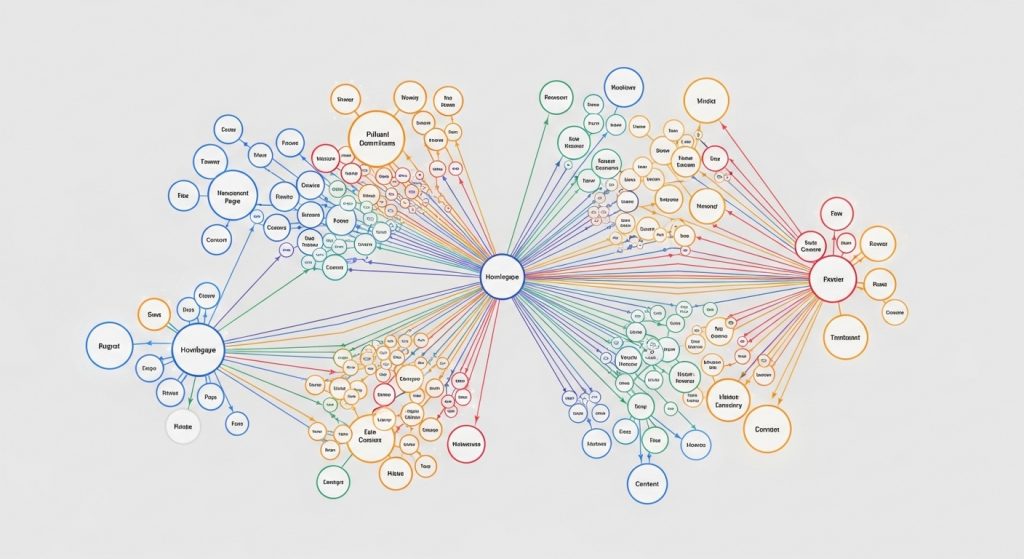
Why Internal Linking Matters for SEO
Internal linking plays a critical role in search engine optimization. It helps search engines understand the relationship between pages and prioritize important content.
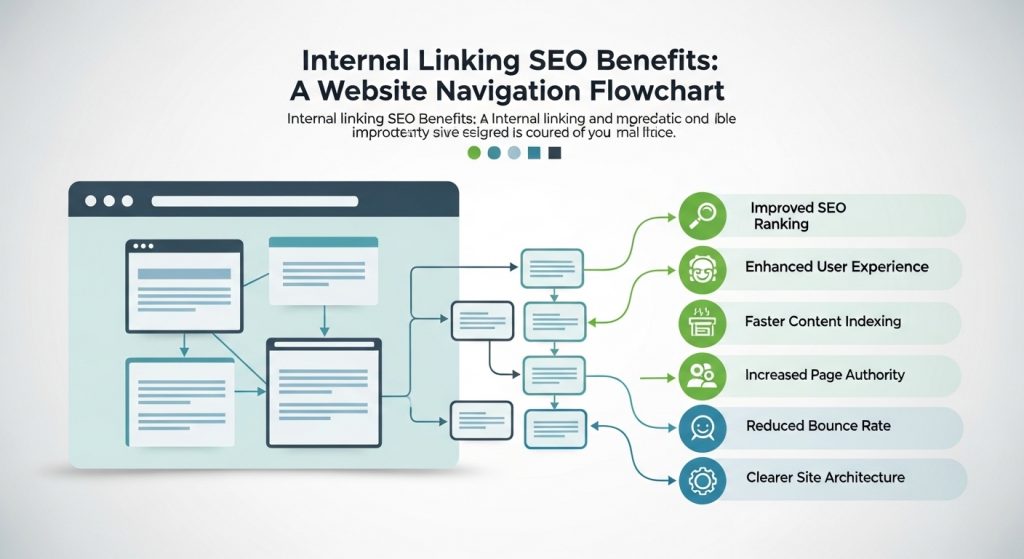
Benefits of strong internal linking:
- Improves crawlability
- Distributes link authority
- Enhances navigation
- Reduces bounce rate
- Boosts SEO rankings
Internal links act like a roadmap, guiding both users and search engines through your website.
How to Use This Internal Link Checker
Using this internal link checker is simple:
- Enter your website URL
- Scan internal links
- Review anchor text
- Identify broken links
- Optimize link structure
Regularly auditing internal links helps maintain a healthy website architecture.
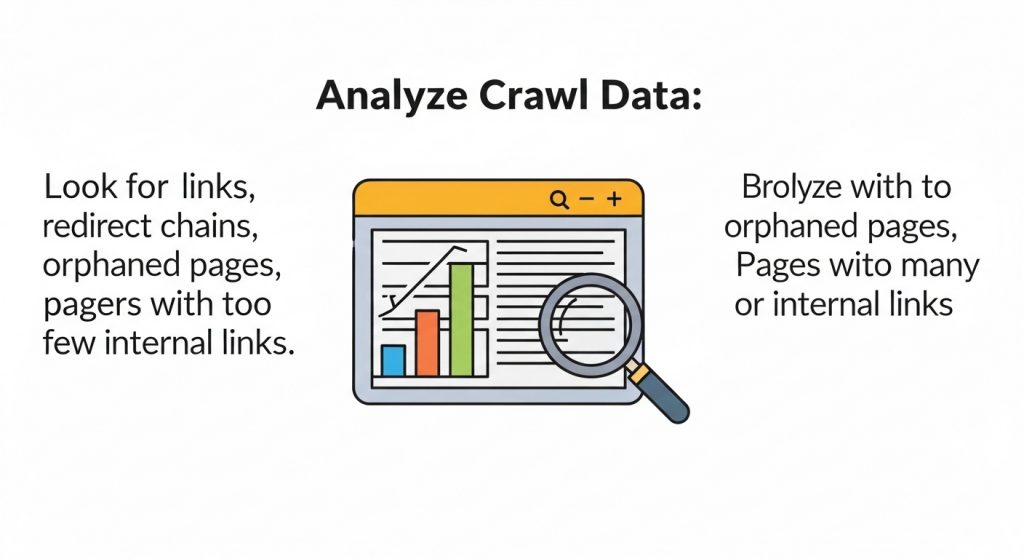
What an Internal Link Checker Detects
Most internal link checker tools analyze:
- Internal links count
- Anchor text distribution
- Broken internal links
- Orphan pages
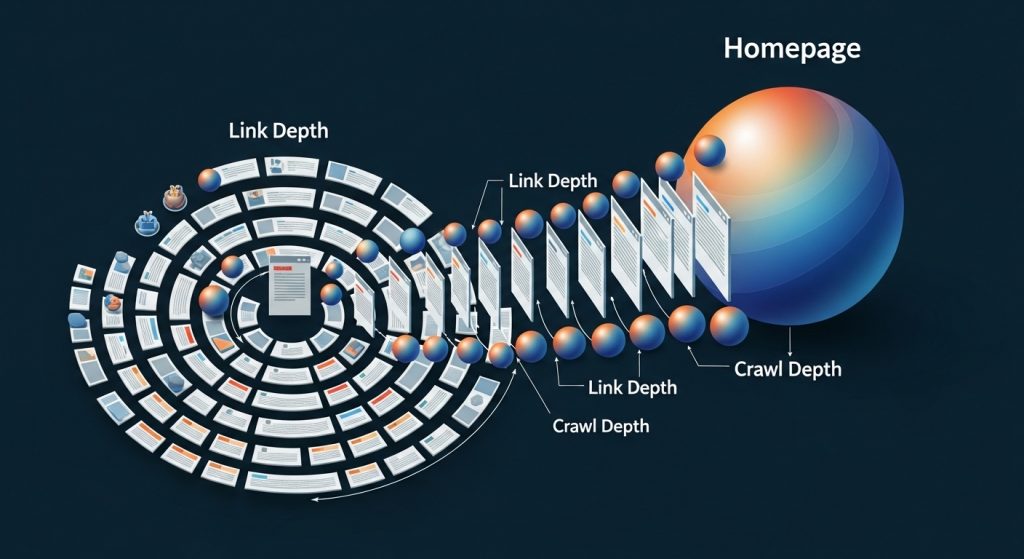
- Link depth
These insights help optimize site structure and improve search visibility.
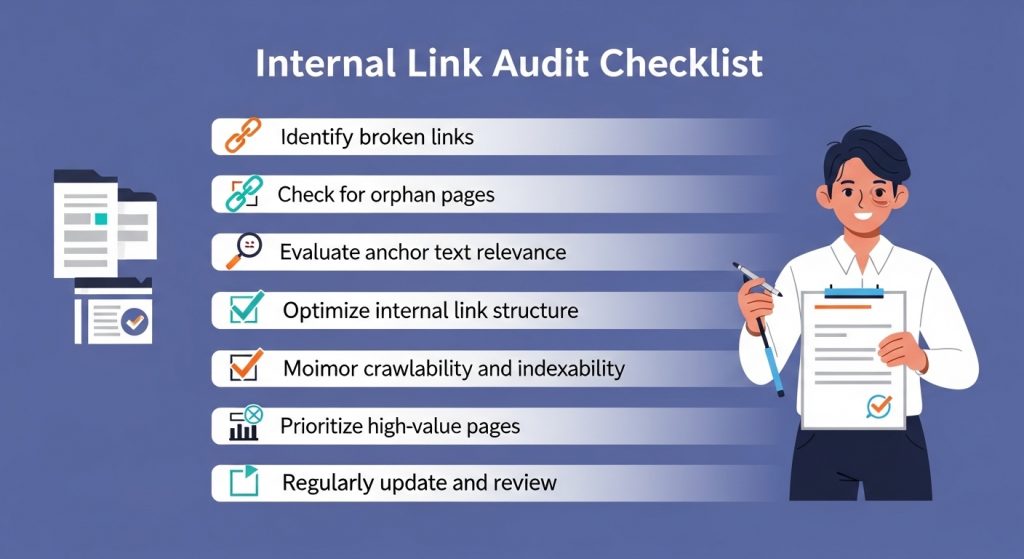
Internal Linking Best Practices
To improve your internal linking strategy:
- Use descriptive anchor text
- Link to important pages
- Avoid excessive links
- Maintain logical hierarchy
- Fix broken links
Following these best practices strengthens SEO and improves user experience.
Why You Should Audit Internal Links Regularly
Internal link audits help identify hidden SEO issues. Pages buried too deep may receive less authority and lower rankings.
Regular audits ensure:
- Important pages are prioritized
- Content clusters are connected
- Crawl efficiency improves
- SEO performance increases
FAQ
What is an internal link checker?
An internal link checker analyzes links between pages on your website to improve structure and SEO.
Do internal links improve SEO?
Yes. Internal links help search engines discover pages and distribute authority across your website.
Related SEO Tools
- SEO Audit Tool – https://thetemplatejudge.com/seo-audit-tool/
- Sitemap Generator – https://thetemplatejudge.com/sitemap-generator-tool/
- Keyword Tool – https://thetemplatejudge.com/free-keyword-tool/
- Meta Tag Generator – https://thetemplatejudge.com/meta-tag-generator/
🌐 Helpful External Resources
- Investopedia — Delayed Gratification
https://www.investopedia.com/terms/d/delayed-gratification.asp - Behavioural Economics — Habits & Decision Making
https://www.behaviouraleconomics.com/resources/mini-encyclopedia/habits/ - MoneyHelper UK — Budgeting & Financial Discipline
https://www.moneyhelper.org.uk/
How to Use the Internal Link Checker
- Enter your page or website URL into the tool.
- Review the list of internal links the tool finds on that page.
- Look for pages with few or no internal links pointing to them.
- Add relevant internal links from strong pages to those under-linked pages.
How to Read the Results
The tool shows how your pages connect to one another. Pages with many internal links pointing to them are seen by search engines as more important, while orphan pages (with no internal links) are hard for Google to discover and rank. A healthy structure links related content together naturally and ensures every important page is reachable within a few clicks from your homepage.
Tips to Get the Most Out of This Tool
- Link from high-traffic articles to newer or important pages to pass authority.
- Use descriptive anchor text that tells readers and search engines what the linked page is about.
- Avoid linking every page to every other page — keep links relevant and contextual.
- Fix orphan pages first, as they benefit most from a single well-placed internal link.
Frequently Asked Questions
Why does internal linking matter for SEO?
Internal links help search engines crawl your site, understand its structure, and distribute ranking authority between pages.
How many internal links should a page have?
There is no fixed rule, but a handful of relevant, contextual links per article is a healthy target. Prioritise relevance over quantity.
What is an orphan page?
An orphan page is one that no other page on your site links to, making it difficult for search engines and users to find. These should be linked from related content.