

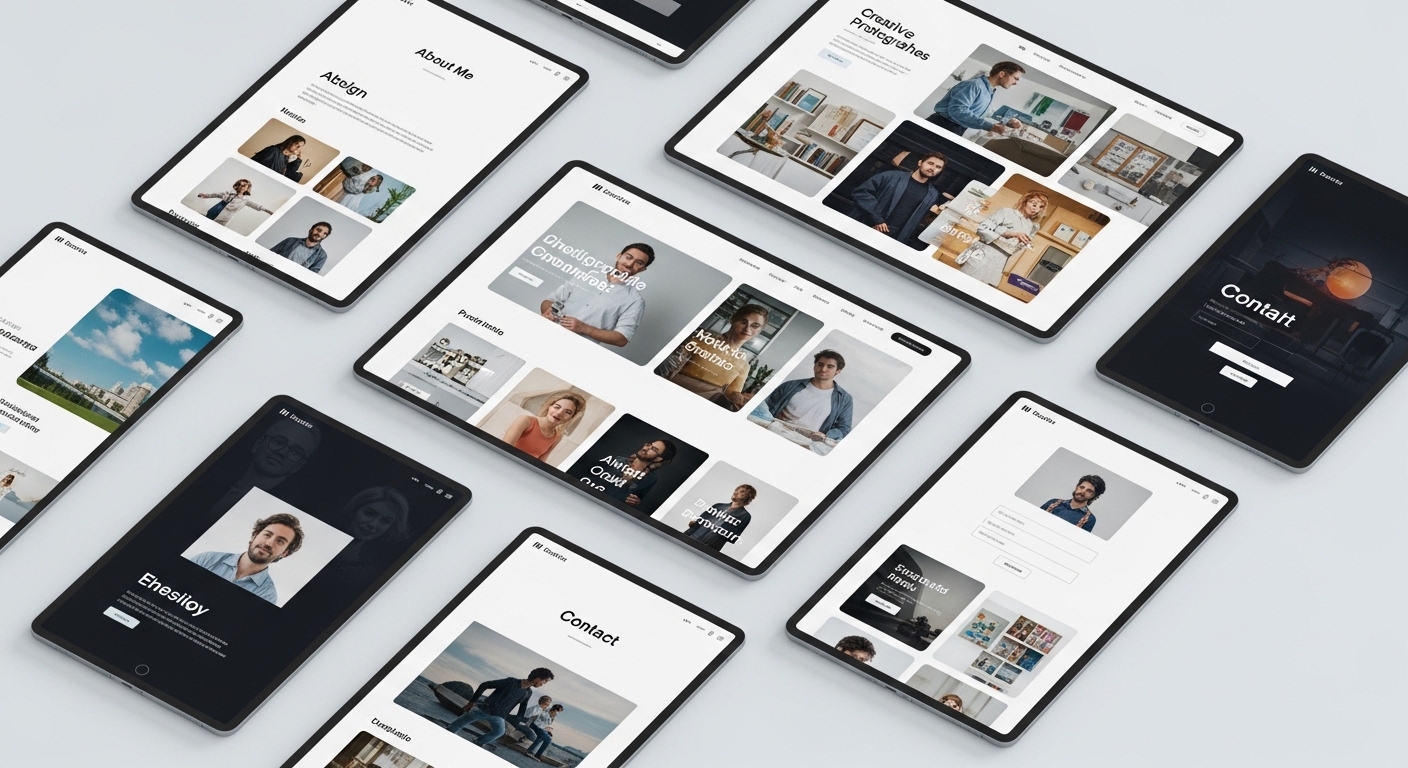
A portfolio site has a deceptively simple mandate: get the work in front of the right person and get out of its way. For designers, photographers, and developers, the portfolio is the hiring manager’s first impression and often the deciding one. Yet the most common failure is a template that fights the work, drowning strong projects in heavy chrome, slow galleries, or navigation that hides the very thing a visitor came to see. In this guide we cover the features that genuinely showcase work, name eight templates across platforms that we would actually build on, and share the tips and mistakes that decide whether a portfolio lands the interview.
Features that actually showcase work
A portfolio template lives or dies on how it presents projects. Aesthetics matter, but the following capabilities matter more.
- Fast, high-fidelity media handling. Large images and video must load quickly and stay crisp, especially for photographers.
- Detailed project pages. Room to explain context, role, and outcome, not just a thumbnail grid.
- Filtering and categorization. Let a visitor find the relevant work fast, whether by discipline or industry.
- Distraction-free layouts. The design should frame the work, not compete with it.
- A clear contact path. The point of a portfolio is to be hired; make reaching you effortless.
Our eight picks for 2026
1. Webflow — Portfoliox
A CMS-driven Webflow template with strong project-page structure and clean filtering. Ideal for designers who want case-study depth. Honest note: the default interactions are heavy, so trim animations to protect load speed on image-rich projects.
2. Framer — Frame
Framer’s smooth transitions and fast setup make Frame a strong pick for designers who want a polished site this week. Its CMS handles a moderate project count well. If you need dozens of filterable case studies, Webflow’s collections remain more robust.
3. WordPress — Kadence portfolio starter
For creatives who want ownership and a blog, Kadence’s portfolio starters are fast and block-native. Good for developers comfortable customizing. It will not look bespoke on default settings, so budget styling time.
4. Squarespace — a photography template
Squarespace’s photography templates handle large galleries and image display gracefully with almost no setup. Excellent for photographers who want beautiful defaults. The trade-off is limited flexibility and platform lock-in compared with self-hosted options.
5. WordPress — Astra with a portfolio demo
Astra is lightweight and reliable, and its portfolio demos load fast, which matters for media-heavy sites. A practical, maintainable base. Expect to add a gallery or page-builder plugin for richer project layouts.
6. Webflow — Lens
A photography-focused Webflow template with full-bleed imagery and elegant lightboxes. Suits photographers who want control beyond Squarespace. Its richness comes with a steeper build curve and ongoing hosting cost.
7. GitHub Pages — a developer portfolio theme
For developers, a Jekyll or static theme hosted free on GitHub Pages signals technical fluency and stays fast. Full control, near-zero cost. The caveat: content updates require comfort with Markdown and Git, so it is not for the non-technical.
8. Framer — Minimal
A stripped-back Framer template that puts the work first with generous whitespace. Great for designers who value restraint. Its minimalism means fewer built-in sections, so plan your content before building.
Comparison at a glance
| Template | Platform | Best for | Approx. price |
|---|---|---|---|
| Portfoliox | Webflow | Designers, case studies | ~$79 (check current pricing) |
| Frame | Framer | Fast designer launch | ~$69 (check current pricing) |
| Kadence portfolio | WordPress | Owned, blog-friendly | Free–$129/yr (check current pricing) |
| Squarespace photo | Squarespace | Photographers, easy setup | ~$16–23/mo (check current pricing) |
| Astra portfolio | WordPress | Lightweight, maintainable | Free–$59/yr (check current pricing) |
| Lens | Webflow | Advanced photography | ~$84 (check current pricing) |
| GitHub Pages theme | Static/Jekyll | Developers | Free (check current pricing) |
| Minimal | Framer | Minimalist designers | ~$59 (check current pricing) |
Choosing by discipline
Portfolio needs diverge sharply by discipline, and the best template is the one that suits your specific medium. Designers benefit most from case-study depth: templates like Portfoliox and Frame let you walk a viewer through the problem, your process, and the result, which is exactly what design hiring managers and clients want to see. A grid of pretty screens without narrative undersells the thinking behind the work, and thinking is what gets designers hired.
Photographers should prioritize image fidelity and gallery performance above all, which is why Squarespace’s photography templates and Webflow’s Lens serve them well; the work is the argument, and it must load fast and display flawlessly across devices. Developers are in a different position entirely, since the portfolio itself can be a demonstration of skill. A static site on GitHub Pages signals technical fluency, costs nothing, and stays fast, though it demands comfort with Markdown and version control. Whatever your field, resist the urge to pick a template built for a different discipline just because it looks impressive; a photographer’s template will frustrate a developer, and a code-first setup will slow a photographer down.
Tips for a portfolio that gets hired
- Lead with your strongest three projects; a hiring manager rarely scrolls past them.
- Write short context for each project: your role, the problem, and the result.
- Optimize images aggressively so galleries load fast, especially on mobile.
- Keep navigation minimal so the work stays the focus.
- Put a clear contact link on every page; do not make people hunt for it.
Common mistakes we see
- Showing every project instead of curating the best.
- Uploading full-resolution images that make the site crawl.
- Presenting thumbnails with no explanation of role or outcome.
- Choosing heavy animations that delay the moment the work appears.
- Hiding contact details behind a vague or missing call to action.
- Neglecting mobile, where an increasing share of reviewers first open a portfolio link.
- Letting outdated work linger; a portfolio should reflect your current standard, not your history.
Frequently asked questions
How many projects should a portfolio show?
Six to ten strong projects is plenty. Quality and curation beat volume; a tightly edited portfolio reads as confidence, while an endless grid reads as indecision.
Which platform is best for photographers?
Squarespace offers the easiest path with beautiful defaults, while Webflow’s Lens-style templates give more control. Choose Squarespace for speed and simplicity, Webflow when you want to shape every detail.
Should developers build their portfolio from scratch?
A custom or static-theme build can double as a code sample and signals skill. But if it delays launching, a clean template is better than an unfinished custom site. Ship first, refine later, and remember that an employer wants to see finished work more than clever plumbing.
How much should a portfolio template cost?
Options range from free static themes to around $80 for premium Webflow or Framer templates, or a monthly Squarespace plan. The work itself matters most; spend where it improves presentation, and always check current pricing. A modest template with well-curated projects will always outperform an expensive one padded with mediocre work.