

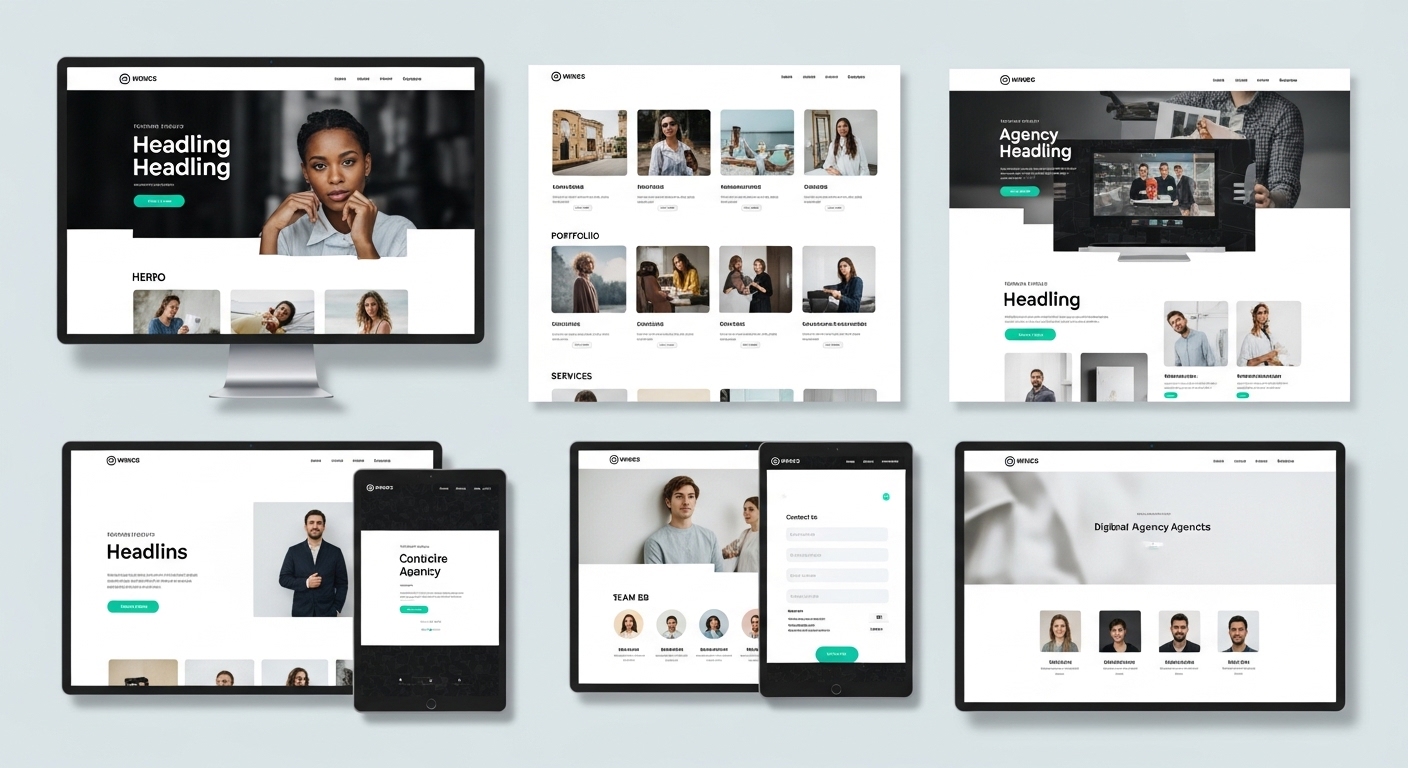
Best Website Templates for Agencies (2026)
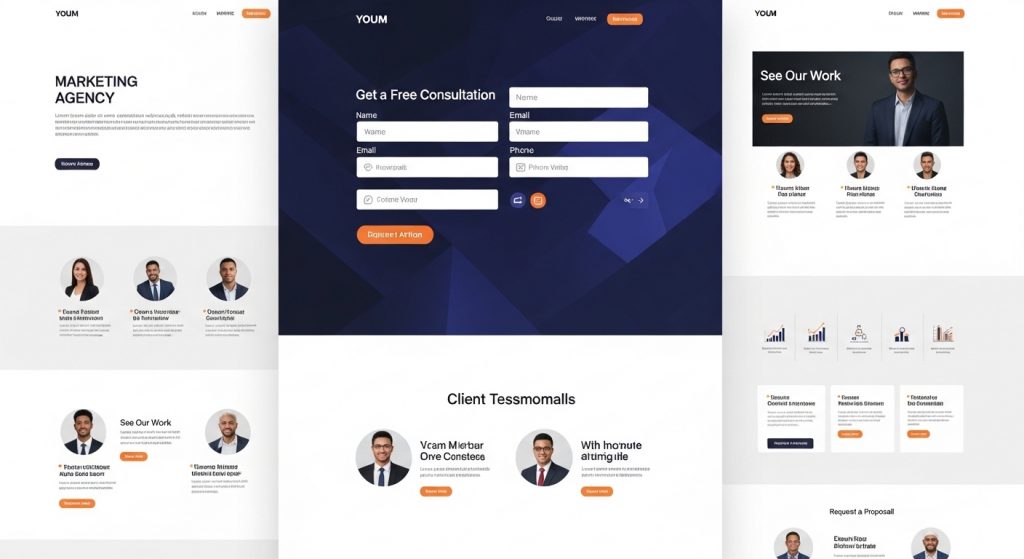
Finding the right website templates for agencies can dramatically improve how you attract clients, showcase services, and convert visitors. Whether you’re running a digital agency, marketing firm, or creative studio, a high-quality template saves time while giving you a professional online presence.
In this guide, we’ve selected the best agency website templates across platforms like Webflow, WordPress, and Framer. These templates are designed for performance, modern UI, and strong conversions.
What Makes a Good Agency Template?
Before choosing a template, look for:
- Clean and modern layout
- Strong service section structure
- Case study / portfolio pages
- Testimonials and social proof
- Fast loading speed
- Mobile responsiveness
- Clear CTA sections
These elements help agencies convert visitors into paying clients.
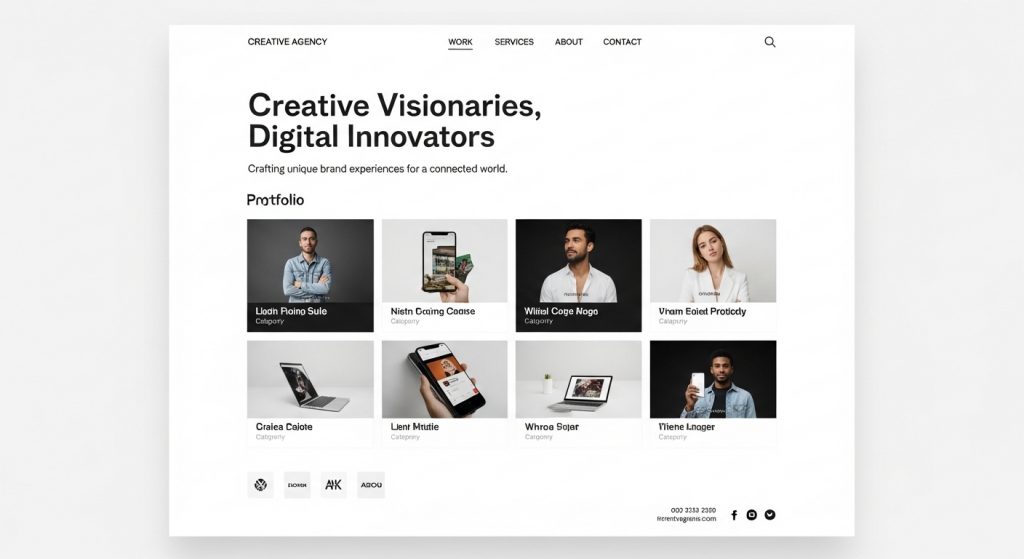
1. Minimal Creative Agency Template
A minimal template is perfect for agencies that want a clean, professional look. These templates focus on typography, whitespace, and strong calls-to-action.
Best for:
- Branding agencies
- Design studios
- Freelance collectives
Key features:
- Portfolio grid layout
- Smooth scrolling animations
- Case study pages
- Contact funnel section
2. Bold Digital Agency Template
This style uses strong colors, large headings, and dynamic layouts. Ideal for digital marketing agencies that want to stand out.
Best for:
- Marketing agencies
- Growth agencies
- SEO agencies
Key features:
- Hero section with CTA
- Services comparison blocks
- Client logo strip
- Pricing section

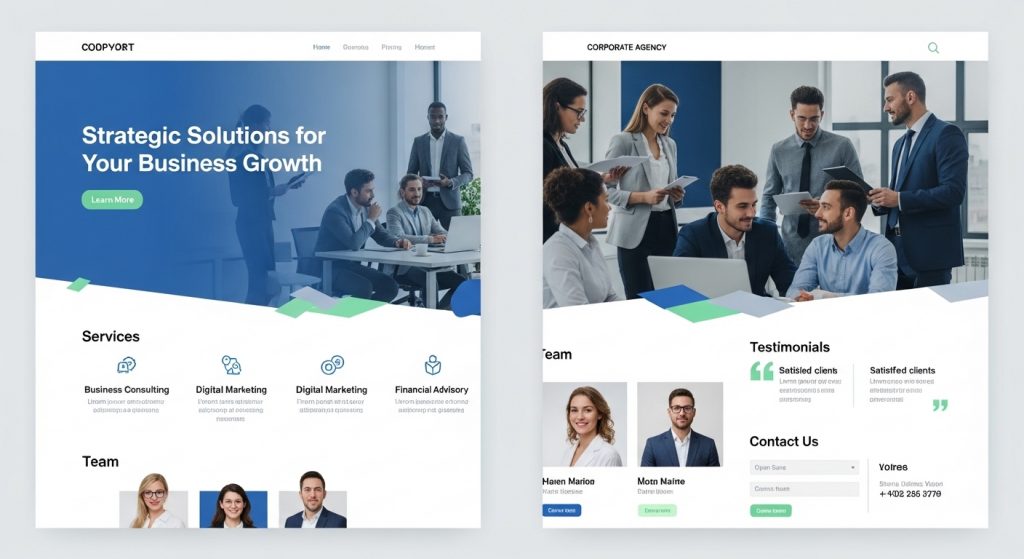
3. Corporate Agency Template
Corporate-style templates work best for consulting and B2B agencies. These prioritize clarity and professionalism.
Best for:
- Consulting agencies
- Business agencies
- B2B service providers
Key features:
- Team member pages
- Professional typography
- Trust-building layout
- Lead generation forms
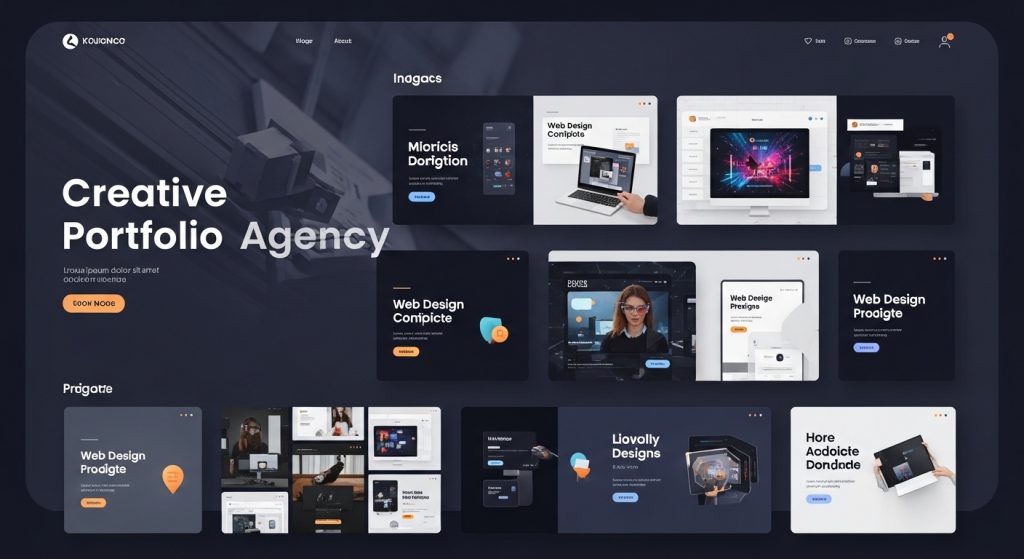
4. Portfolio-Focused Agency Template
Perfect for creative agencies that want to showcase work first.
Best for:
- Creative agencies
- Web design studios
- Branding agencies
Key features:
- Large project thumbnails
- Case study layouts
- Before/after sections
- Interactive galleries
5. Conversion-Optimized Agency Template
These templates are built specifically to generate leads.
Best for:
- Lead generation agencies
- PPC agencies
- Conversion optimization agencies
Key features:
- Multiple CTA sections
- Lead capture forms
- Testimonials
- Trust badges
How to Choose the Right Template
When selecting your agency template, consider:
- Your niche (creative, marketing, consulting)
- Platform preference (WordPress, Webflow, Framer)
- Need for customization
- Speed and SEO performance
- Built-in conversion features
The best template is one that matches your agency’s brand and helps convert visitors.
Free vs Premium Agency Templates
Free templates are great for starting out, but premium templates usually include:
- Better design quality
- More pages
- Better performance
- Ongoing updates
- Support
If you’re serious about growing your agency, premium templates are often worth it.
Final Thoughts
Choosing the right website templates for agencies can significantly improve your online presence. Whether you prefer minimal, bold, or conversion-focused designs, the key is selecting a template that reflects your services and helps generate leads.
Start with one that matches your niche, customize it, and focus on showcasing your best work.
FAQ Section
What should an agency website include?
An agency website should include services, case studies, testimonials, team information, and a contact form.
Are agency templates SEO friendly?
Most modern templates are SEO-friendly, especially those optimized for speed and mobile responsiveness.
Which platform is best for agency templates?
Webflow, WordPress, and Framer are all popular options depending on customization needs.
🔗 Related Articles from The Template Judge
Here are some helpful guides and popular posts from The Template Judge that go well with this topic and boost your internal linking (good for SEO and user engagement):
Nobody Shows This Part of Dividend Investing
https://thetemplatejudge.com/nobody-shows-this-part-of-dividend-investing/
How to Get Google AdSense Approved in 2025 (WordPress Themes & Plugins That Work)
https://thetemplatejudge.com/how-to-get-google-adsense-approved-in-2025/
How Much Can You Make With AdSense on WordPress? (2026 Breakdown)
https://thetemplatejudge.com/how-much-can-you-make-with-adsense-on-wordpress-2026-breakdown/
WordPress Tool Website Tutorial (Beginner Friendly)
https://thetemplatejudge.com/wordpress-tool-website-tutorial-beginner-friendly/
The BEST Website Design in WordPress (Real Examples)
https://thetemplatejudge.com/the-best-website-design-in-wordpress-real-examples/
Portfolio Website Design Ideas — Templates That Actually Convert
https://thetemplatejudge.com/portfolio-website-design-ideas-templates-that-actually-convert/
🌐 Helpful External Resources
- Investopedia — Delayed Gratification
https://www.investopedia.com/terms/d/delayed-gratification.asp - Behavioural Economics — Habits & Decision Making
https://www.behaviouraleconomics.com/resources/mini-encyclopedia/habits/ - MoneyHelper UK — Budgeting & Financial Discipline
https://www.moneyhelper.org.uk/